
Member groups
To share agendas and other information with a specific group of members, you can create a member group. This is a concept that needs to be implemented in several places in Yfantis 4. This document explains how to create a member group and how to link it to an agenda.
Creating a new member group
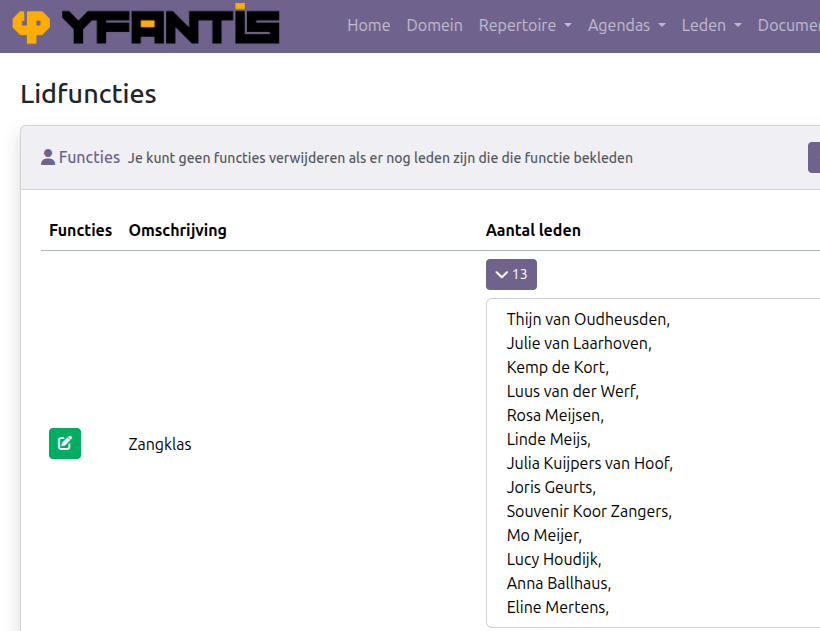
Step 1: Create a member function for the group
Each member group has its own member function. The members of the group have that function.
Step 2: Create a calendar for the group
Next, create a calendar specifically for that group. 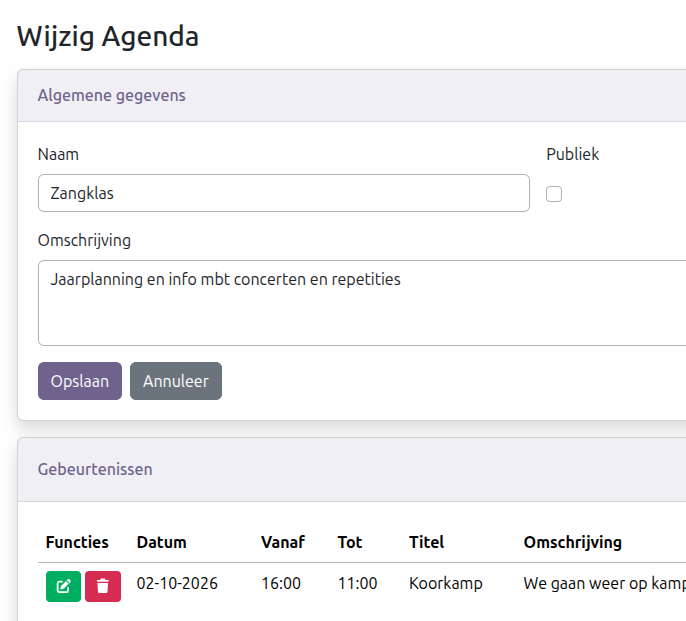
NOTE
The calendar name must start with the same name as the function name. For example:
- for Singing group => Singing group Agenda (or just Singing group)
Step 3: Link the calendar to the members functions
Now add the function to the login member who should be able to see the calendar. 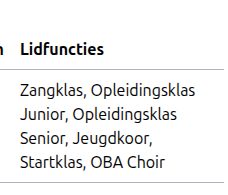
The calendar is now available to the members who log in with this account.